To exclude products that are already on sale (have compare-at price) from additional discounts, open the app and go to Settings.
In the General → Sale price handling section, select the third option: “Skip discounts for products on sale.”
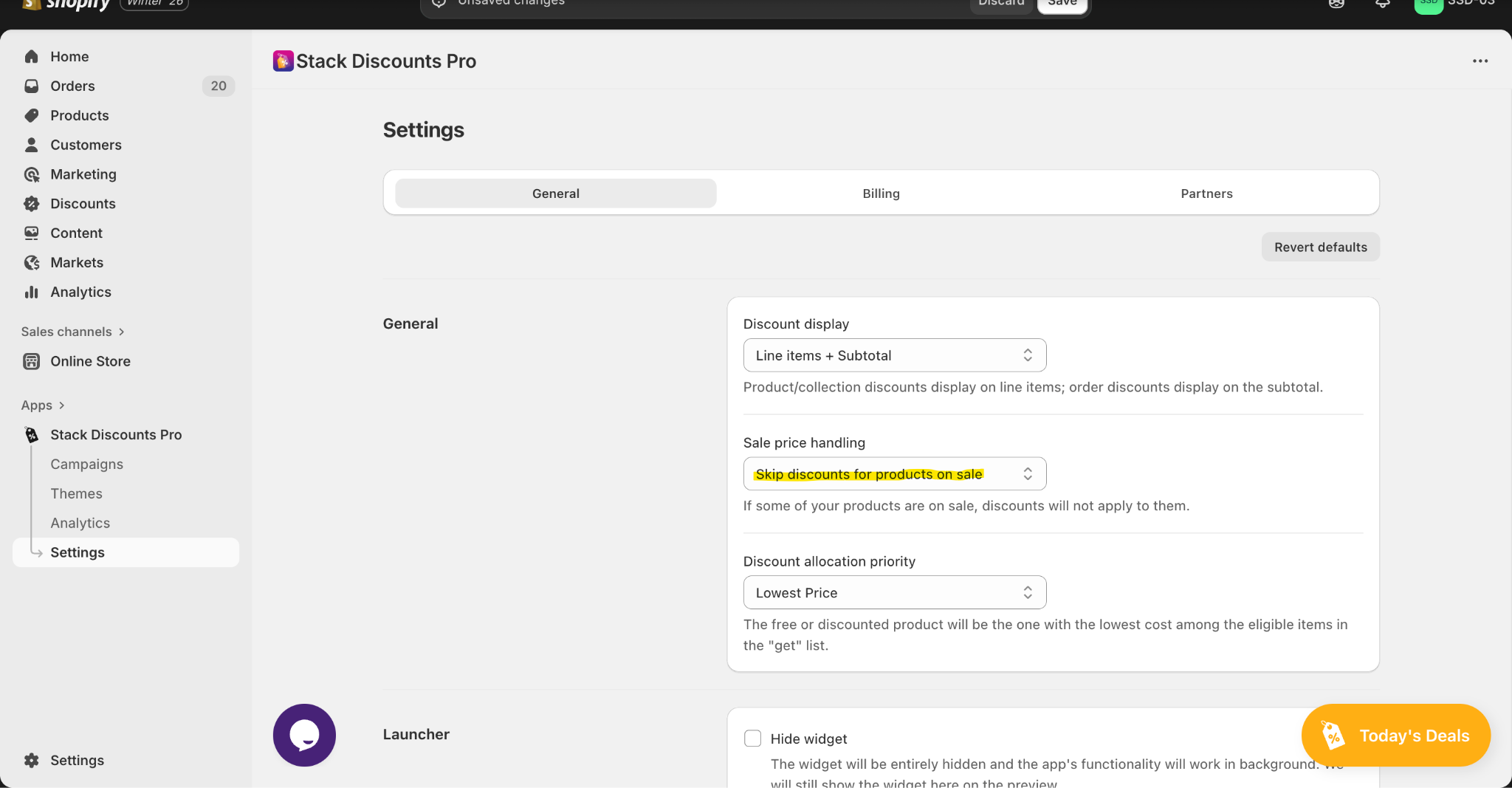
Please note that “Sale price handling” in the settings of our app is designed only for the compare-at-price.
Was this article helpful?
That’s Great!
Thank you for your feedback
Sorry! We couldn't be helpful
Thank you for your feedback
Feedback sent
We appreciate your effort and will try to fix the article